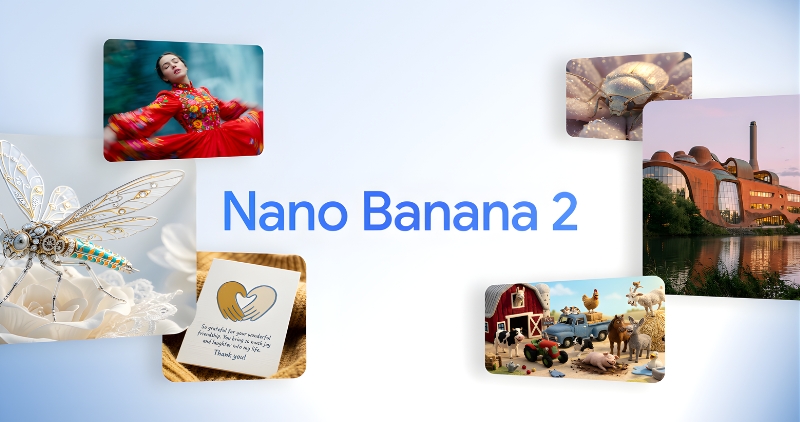
Google Launches Nano Banana 2, Learn How to Use It
Google has launched Nano Banana 2, the latest version of its popular artificial intelligence (AI) image generation model. This new model can create more realistic photos than its predecessor. It will be the default option in the Fast, Thinking, and Pro modes of the Gemini app. It generates images based on real-time information and web searches. Nano Banana 2 brings Gemini Flash’s high-speed intelligence to visual generation, enabling faster editing. It brings Pro features previously available to a limited number of users to a wider audience. Let’s explore the details.
The new model can create media with more vibrant light, richer textures, and sharper details. It retains some of the same high-quality features as the Pro model, but produces photos faster. Users can create photos in resolutions ranging from 512px to 4K and in multiple aspect ratios.
Nano Banana 2 Features
The new model relies on Gemini’s real-time knowledge base. It uses real-time information from web searches and photos to more accurately represent specific subjects. Nano Banana 2 allows users to generate precise and well-defined text for marketing mockups or greeting cards. Users can also translate and localize text within photos to share their ideas more broadly.
The new model adheres to advanced guidelines, meaning it more accurately responds to user requests, delivering exactly the photos they’ve requested. From 512px to 4K, users have complete control over aspect ratios and resolutions, making the content they create immediately usable. Users have greater control over the model’s reasoning. They can adjust the thickness level to allow the model to consider difficult prompts before rendering.
How to use Nano Banana 2
To use Nano Banana 2, first open the Gemini app on your phone and navigate to Nano Banana 2. It replaces Nano Banana Pro in the Fast, Thinking, and Pro models. This new model is available in 8 languages in 141 new countries and regions through the Google app, mobile, and desktop via AI Mode and Lens. A preview is also available with the Gemini API in Vertex AI in Google Cloud.