UPI payments via feature phones without the internet: PhonePe launches UPI 123Pay; here’s how to register
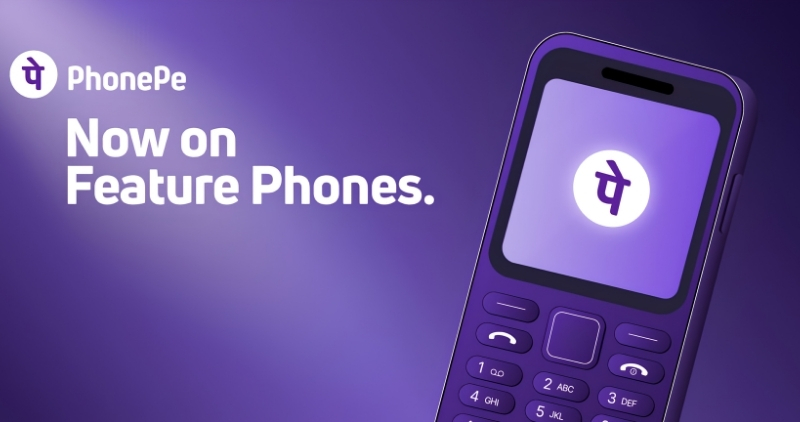
While the use of UPI payments is steadily rising in India, a large number of people still use feature phones instead of smartphones. Making online payments is not easy for these users, as most UPI services require both a smartphone and an internet connection. To address this issue, PhonePe has launched UPI 123Pay. The company claims that this will enable feature phone users to make UPI payments without an internet connection. According to PhonePe, there are over 200 million (20 crore) feature phone users in the country, and this service marks a significant step towards bringing them into the digital payments ecosystem.
PhonePe UPI 123Pay has been specifically designed for feature phones. It utilizes SMS-based technology, enabling transactions even in areas with weak 2G network connectivity. Users can send money to others using a mobile number or UPI ID. Additionally, payments can be made to merchants using UPI IDs and QR codes. Feature phone users will also be able to check their bank account balance and view transaction history.
PhonePe has partnered with Nokia, HMD, Lava International, and Itel Mobile for this initiative. PhonePe UPI 123Pay will come pre-installed on select feature phones from these companies. The company plans to bring other phone manufacturers on board in the coming months. Future updates will add features such as bill payments, mobile recharges, and UPI registration via Aadhaar.
To ensure a smooth onboarding experience for feature phone users, PhonePe has also launched an AI-based voice helpline. This helpline will assist users with setup and UPI-related queries in English and 12 Indian languages. Unlike standard IVR systems that merely offer keypad options, this service will guide users through the necessary steps via conversation.
How to get started with PhonePe UPI 123Pay on a feature phone?
- No smartphone or internet connection is required for this. Users need to follow these steps:
- Open the pre-installed PhonePe app on the feature phone.
- Read and accept the terms and conditions; the phone registration process will then complete automatically.
- Select your bank from the options displayed on the screen.
- Enter the last 6 digits of your debit card and the expiry date.
- Set your UPI PIN.
- Once done, the UPI ID will be activated, and you can start making payments.
How to make payments using a feature phone?
According to PhonePe, there are multiple options for making payments on a feature phone. Users can make payments using a contact from their address book, a mobile number, a UPI ID, or by scanning a QR code (if the phone has a camera).